

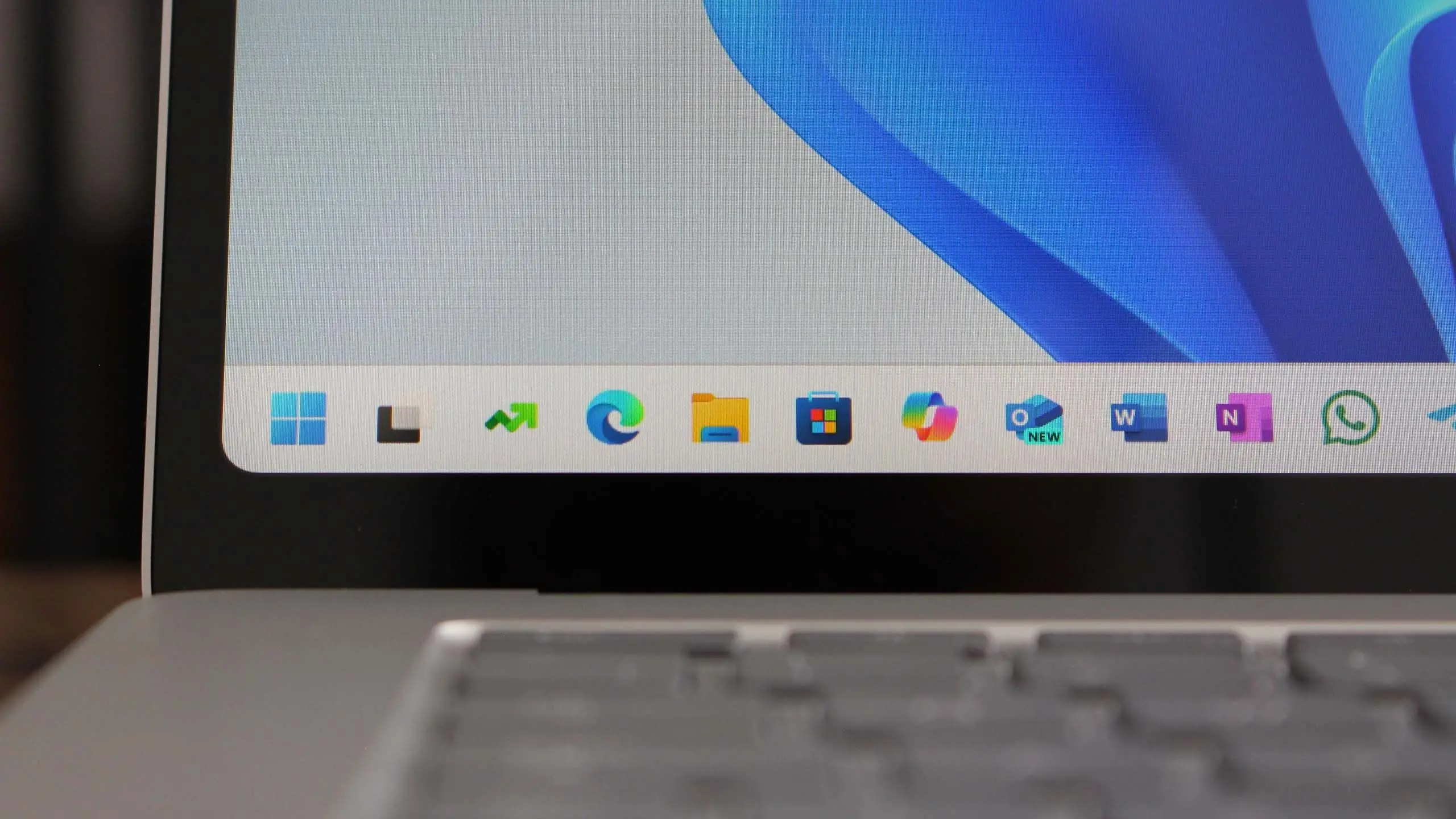
Microsoft continues to refine its flagship operating system with Windows 11 version 25H2, the latest feature update scheduled for release in the second half of 2025. This update builds upon the foundation laid by version 24H2, introducing significant improvements in artificial intelligence, security, and user experience. As Microsoft pushes towards a more AI-centric computing environment, 25H2 represents a critical step in that journey.
Release timeline and availability
Windows 11 version 25H2 is expected to begin rolling out to compatible devices in September or October 2025. Microsoft typically follows a predictable cadence for feature updates, with a stable release occurring in the fall. Insiders will get early access through the Windows Insider Program, likely starting in late 2024 or early 2025. The update will be free for existing Windows 11 users, similar to previous feature updates.
Enterprise customers and IT administrators should prepare for the update by reviewing system compatibility and testing new features in preview builds. Microsoft has emphasized that 25H2 will maintain hardware requirements similar to 24H2, meaning devices that support the current version should be able to upgrade without issues. However, new security features like Pluton TPM 2.0 may become mandatory in future releases.
AI integration and Copilot enhancements
The most significant change in Windows 11 25H2 is deeper integration of Microsoft's Copilot AI assistant. Copilot will become more proactive, offering contextual suggestions based on user behavior and open applications. For example, when working on a document, Copilot may suggest summarization or formatting changes without explicit prompts. The assistant will also gain improved natural language understanding, allowing for more complex queries and multi-step tasks.
New AI features include real-time transcription for meetings, AI-powered photo editing in the Photos app, and enhanced voice commands for system navigation. Microsoft is also testing a feature called "Windows Intelligence," which learns user patterns to optimize performance and battery life. These capabilities rely on a combination of cloud-based and on-device AI processing, with NPUs (Neural Processing Units) becoming increasingly important for acceleration.
Security improvements
Security remains a top priority for Microsoft, and version 25H2 introduces several new protections. The most notable is mandatory use of Virtualization-based Security (VBS) for all new devices, which isolates sensitive processes from the operating system. Additionally, the new Smart App Control leverages AI to block potentially unwanted applications, even if they aren't detected by traditional antivirus signatures.
Microsoft is also expanding the use of Pluton security processors, requiring them for certain certifications. This hardware-based security provides robust protection against physical attacks and firmware vulnerabilities. For home users, Windows Security Center gains a new "Security Baseline" feature that recommends optimal settings based on usage patterns. These changes aim to reduce the attack surface without compromising user experience.
User interface refinements
The Windows 11 25H2 update includes several UI tweaks designed to improve productivity and accessibility. The taskbar gains a new "Quick Settings" panel that consolidates frequently used toggles like Wi-Fi, Bluetooth, and Do Not Disturb. The File Explorer receives a modernized design with tighter integration of OneDrive and third-party cloud services, allowing users to access files from multiple providers without leaving the window.
Microsoft is also revamping the notification center with grouped alerts and priority levels, reducing distraction while ensuring important messages aren't missed. The system tray will now show a new "Widgets" icon that displays dynamic content like weather, calendar events, and news headlines. These changes are part of Microsoft's broader effort to create a more fluid and consistent user experience across different device form factors.
Performance and hardware optimization
Under the hood, Windows 11 25H2 includes numerous performance improvements. The update optimizes memory management for workloads like gaming and video editing, reducing latency and improving frame rates. The new "Efficiency Mode" in Task Manager now applies to more processes, automatically throttling background tasks when the system is under load.
Support for ARM64 devices continues to improve, with Microsoft claiming that the 25H2 release will close the performance gap between ARM and x86 processors in daily use. The emulation layer for x64 applications has been enhanced, and native ARM versions of popular apps like Adobe Photoshop and Microsoft Office are now available. Battery life on ARM devices is expected to see up to a 20% improvement compared to previous versions.
Gaming features
Gamers will appreciate several additions in Windows 11 25H2. The Game Bar receives a new "HDR Calibration" tool that helps users fine-tune high dynamic range displays. DirectStorage, which reduces loading times by bypassing the CPU, now supports more games and storage formats. Auto HDR has been improved to work with a wider range of DirectX 11 and 12 titles.
Microsoft is also integrating its Xbox Cloud Gaming (xCloud) service more deeply into the operating system, allowing users to stream games directly from the Start menu or Game Bar without launching a separate app. The performance overlay in Game Bar now shows real-time metrics for CPU, GPU, RAM, and network usage, helping gamers identify bottlenecks.
Enterprise and management updates
For IT administrators, Windows 11 25H2 brings new management capabilities through Microsoft Intune and Group Policy. The update introduces a simplified deployment process with better support for Windows Autopilot, enabling zero-touch device provisioning. Security baselines have been updated to reflect new threats, and the Windows Update for Business report provides more granular insights into patch compliance.
Virtual Desktop Infrastructure (VDI) users will benefit from performance optimizations that reduce resource overhead. Microsoft has also improved support for Azure Virtual Desktop, with smoother session handling and better multimedia redirection. These enhancements make Windows 11 an even more attractive platform for enterprise environments.
System requirements and compatibility
Windows 11 version 25H2 maintains the same hardware requirements as its predecessor: a 64-bit processor with at least 1 GHz clock speed, 4 GB of RAM, and 64 GB of storage. However, Microsoft is gradually phasing out support for older CPUs. Devices with processors older than Intel 8th Gen or AMD Ryzen 2000 may not receive the update unless they have specific security features enabled.
Toshiba and other manufacturers are updating their drivers and firmware to ensure compatibility. Users of unsupported hardware can still install Windows 11 25H2 using workarounds, but Microsoft does not guarantee updates or support. The company recommends upgrading to newer hardware for the best experience.
Windows 11 version 25H2 represents a significant evolution of Microsoft's operating system, with a strong emphasis on AI, security, and performance. While not every feature will appeal to every user, the update continues the trend of making Windows more intelligent and resilient. As the release approaches, more details will emerge through Insider previews and official announcements. For now, users can look forward to a robust and forward-looking operating system that balances innovation with stability.
Source: Windows Central News