

AI coding tools and writing assistants have become indispensable, but the subscription costs quickly add up. Services like ChatGPT Plus, Claude, and Grammarly each demand monthly fees that can strain a budget. Over time, these expenses become a silent tax on productivity, especially when you use multiple tools. Many users find themselves paying for features they don't even use daily. The alternative—running a local large language model (LLM) on your own hardware—eliminates recurring costs and offers greater privacy and control.
Premium AI tools are great until the bills start hitting
Subscriptions for coding assistants are a heavy monthly tax that adds up quickly
Premium AI services revolutionized how developers write code. Tools like Gemini, Claude, and ChatGPT Plus each cost around $20 per month. If you rely on more than one, you are looking at $40 to $60 monthly. Cloud-based APIs also charge per token, so heavy usage can lead to unpredictable bills. For freelancers or hobbyists, these costs can eat into earnings. The convenience of cloud AI is undeniable, but the financial burden is real.
After months of watching subscription charges pile up, many users start exploring self-hosted alternatives. Once you own the hardware—whether a dedicated machine or a spare PC—there are no token fees, no monthly bills, and no usage caps. The upfront investment can be as low as $200 for a used workstation. In many cases, the savings from switching pay for the hardware within a year. Beyond cost, running models locally means your data stays on your machine, never sent to external servers.
The open-source community has made enormous strides. Models like Llama 3, Mistral, Qwen, and Phi-3.5 now handle complex reasoning, code generation, and grammar checking with impressive accuracy. Tools like Ollama, LM Studio, and GPT4All make it trivial to download and run these models on any modern computer. You don't need a degree in machine learning to set them up. A few clicks can have a local AI assistant ready to work.
You would save and gain a lot more than you'd think
All these subscriptions are gone
Replacing a general-purpose chatbot like ChatGPT Plus or Claude with a local model saves $480 per year. Writing assistants like Grammarly—which charge about $144 annually—can also be replaced with a local LLM. Grammarly's premium features often produce inauthentic suggestions, and its dependency on cloud servers can cause frustrating connectivity issues. A local model like Microsoft's Phi-3.5 Mini or Meta's Llama 3.2 can perform grammar checks, rephrase sentences, and even provide style suggestions without any internet reliance.
Because everything runs locally, you can iterate on the same text as many times as needed, without hitting usage limits or paying for extra tokens. The responsiveness is instant, and there is no risk of a company suddenly changing its pricing or removing a feature you rely on. When an editor asks for code analysis or file summarization, the request never leaves your machine. This is especially valuable for sensitive personal or work-related files that you do not want to expose to cloud services.
Beyond writing and coding, local LLMs can handle spreadsheet formulas, data extraction, and even light data analysis. The flexibility is enormous. With the right model, you can have a personal assistant that understands your documents, your codebase, and your writing style—all without sending data to a third party.
Qwen and GPT4All are all you need
You can link local models to your code editor with a few clicks
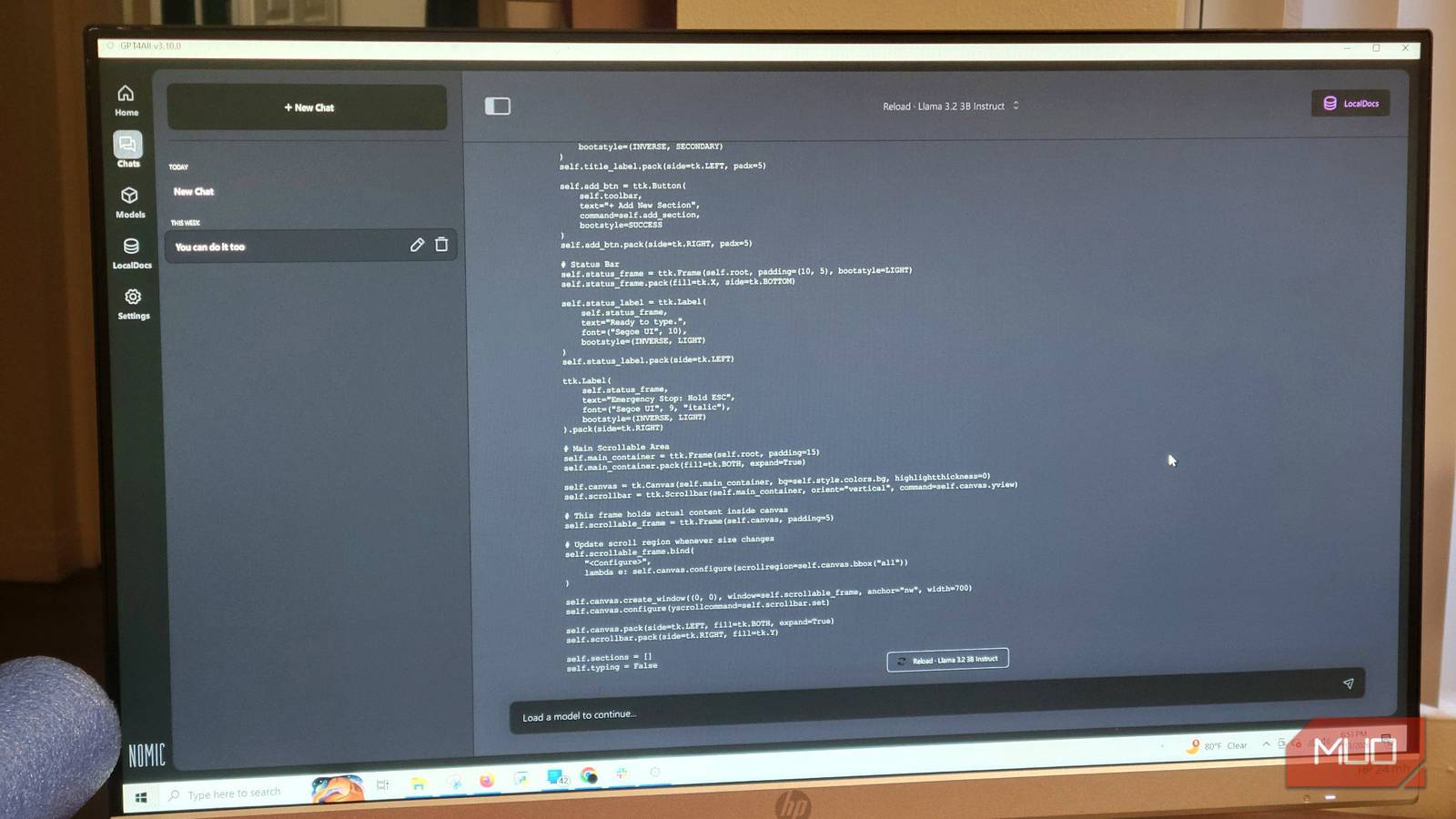
Setting up a local LLM is straightforward. GPT4All is a free, open-source application that provides a graphical interface and a built-in model hub. You simply download the software, then browse the model library to select a model like Qwen2.5-Coder-3B. This model is small enough to run on modest hardware but capable enough for code completion and grammar assistance. Once downloaded, you load it from your model list.
For best performance, close other applications to free up system memory. If your primary computer is underpowered, consider dedicating an older machine as a local server. You can access that server from your main PC over your home network. This setup isolates the processing load and keeps your main workstation responsive. To adjust context length, go to GPT4All settings > Model and change the "Max Length" to 4096 tokens or higher, depending on your RAM.
Once the model is running, you can integrate it with code editors like VS Code via local API endpoints. This allows you to receive inline code suggestions, explanations, and debugging help—similar to GitHub Copilot but completely free and private. The integration requires a plugin like Continue.dev, which connects to your local model's API.
Save some money and use your equipment to the limit
The financial and privacy benefits of local LLMs are compelling. For a one-time hardware investment, you gain unlimited access to powerful AI tools without monthly fees. The open-source ecosystem continues to improve, with new models released regularly. You are not locked into any vendor's roadmap or pricing changes. Your data remains under your control on your own storage.
For those who want to test the waters, GPT4All is an ideal starting point. It supports Windows, macOS, and Linux, and its user interface is clean. The in-app model hub makes discovery easy. Once you experience the speed and privacy of local inference, it is hard to justify returning to subscription-based services for the same tasks. The days of paying for AI tools may soon be over for many users.
Source: MakeUseOf News